

Hardware durostech is a search people use when they land on durostech.com expecting computer hardware and find something else: the home page is headed “Technology Tips & Software Solutions”, so it reads as a tips-and-software site, not a hardware seller or maker. The pages read show no product catalogue, price or checkout.
| Does durostech.com sell hardware? | No products, prices or cart showed in the text read |
| What does its headline say it covers? | “Technology Tips & Software Solutions” |
| Home page labels | “Editor’s Pick | Durostech” and “We Recommend” |
| Is an owner named? | No owner, company or address appeared |
| Best substitute for repair parts | The maker of your device or a retailer that lists specifications |
| Best substitute for driver files | The support page of the maker of the part |
What is durostech and what does the site show?
The page title is “Home – Durostech”. Its visible headings are short: “Editor’s Pick | Durostech”, “Technology Tips & Software Solutions” and “We Recommend”, plus a cookie notice headed “Privacy Overview”. That is nearly all the readable structure there is. The site gives no meta description, no tagline sentence and no About text in the part read, so a visitor learns the subject area but not who is behind it.
The page also contains long runs of domain names and number strings that do not read as ordinary content. Whatever their purpose, they are a reason to be careful: do not download files from the site or enter details there, and do not treat it as an official source for any device maker.
It helps to separate three things a searcher might want from a site like this: a shop, a help desk and a reading list. The home page text read supports only the last of those, and only faintly. There is no support ticket form, no knowledge base search and no sign of a store front, so anyone with a faulty device or a failed update should not expect an answer here.
Is durostech a hardware supplier at all?
Nothing seen suggests so. A hardware supplier normally shows part names, model numbers, a price and a way to order. A tips site shows article lists and recommendations. The “We Recommend” heading points toward the second kind, but the items under it were not readable in the text captured.
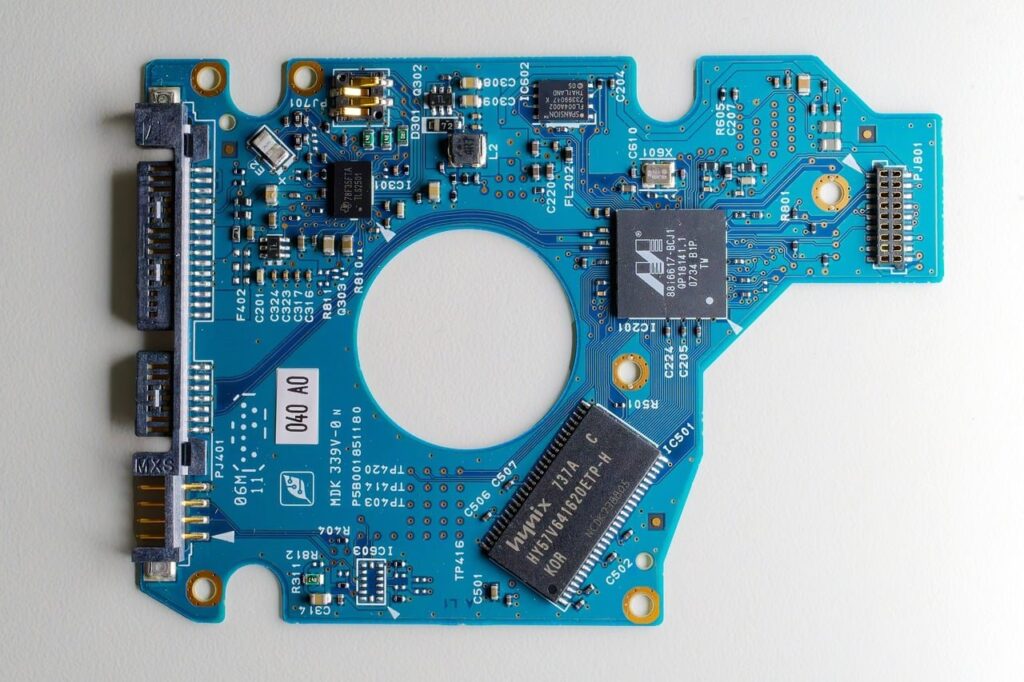
If you came for physical parts, the fastest check is to look for a model number. Sellers who stock real hardware list one. A page that mentions technology only in general terms is unlikely to be able to supply a replacement.
What about software updates durostech and durostech.com software?
People pair the brand with the word software because the home page headline mentions software solutions. Searches such as software updates durostech suggest someone hopes to find an update file or a version notice. The pages read offer neither: no download list, version numbers, release notes or changelog appeared.
The phrase durostech.com software therefore describes a heading, not a confirmed product. If a page elsewhere claims to hand out a durostech installer or patch, the safe course is to leave it and fetch updates from the vendor of the device or operating system instead. Updates from the wrong place are one of the more common ways unwanted programs reach a computer.
One practical test is the address you are asked to use. Genuine update tools and driver pages sit on the web address of the company that made the part, and they ask for a model or serial number before offering a file. A page that offers a generic download without asking which device you own is a poor source, whoever runs it.
Which alternatives suit what you were trying to do?
Because the site’s purpose is unclear, a better route depends on the task. These options compare broadly, and none is a claim about what durostech offers.
- The device maker’s support page. Best for drivers, firmware and manuals. It lists exact model support, which a general tips site cannot match.
- The update tool inside your operating system. Best for routine software updates. It checks signatures and needs no file hunting.
- Established technology news and how-to publishers. Best for tips and buying advice. Look for named authors, dates and corrections policies, features that durostech.com did not show in the text read.
- Retailers that publish specifications. Best for comparing parts. Check return terms before ordering.
Cost is the other point of comparison. Maker support pages and built-in update tools are normally free, while retailers charge for parts, so a site that asks for payment before showing what you are buying deserves a pause. Nothing of that kind appeared on the durostech home page, which is a small point in its favour, though it says little about what lies behind the page.
The comparison is simple: the alternatives name who is responsible for the advice, and the site read here does not.
Questions about durostech and similar options
Can you contact durostech?
The text read shows no contact page, email address or phone number. A cookie banner is the only interface element mentioned. If you need help with a specific device, the manufacturer’s own support channel will do more for you than a message sent to an unnamed site.
Is durostech.com safe to browse?
That cannot be settled from a text read. The odd blocks of domain names and digits on the home page are a warning sign, so keep downloads off and avoid typing personal data.
Is durostech the same as other companies with a similar name?
The pages read do not mention any link to other firms. Do not assume a connection from the name alone.
What should you do if software from a durostech page already ran on your computer?
Run a scan with your operating system’s built-in security tool, remove anything you did not intend to install, and change passwords from a different device if you typed any into a related page.